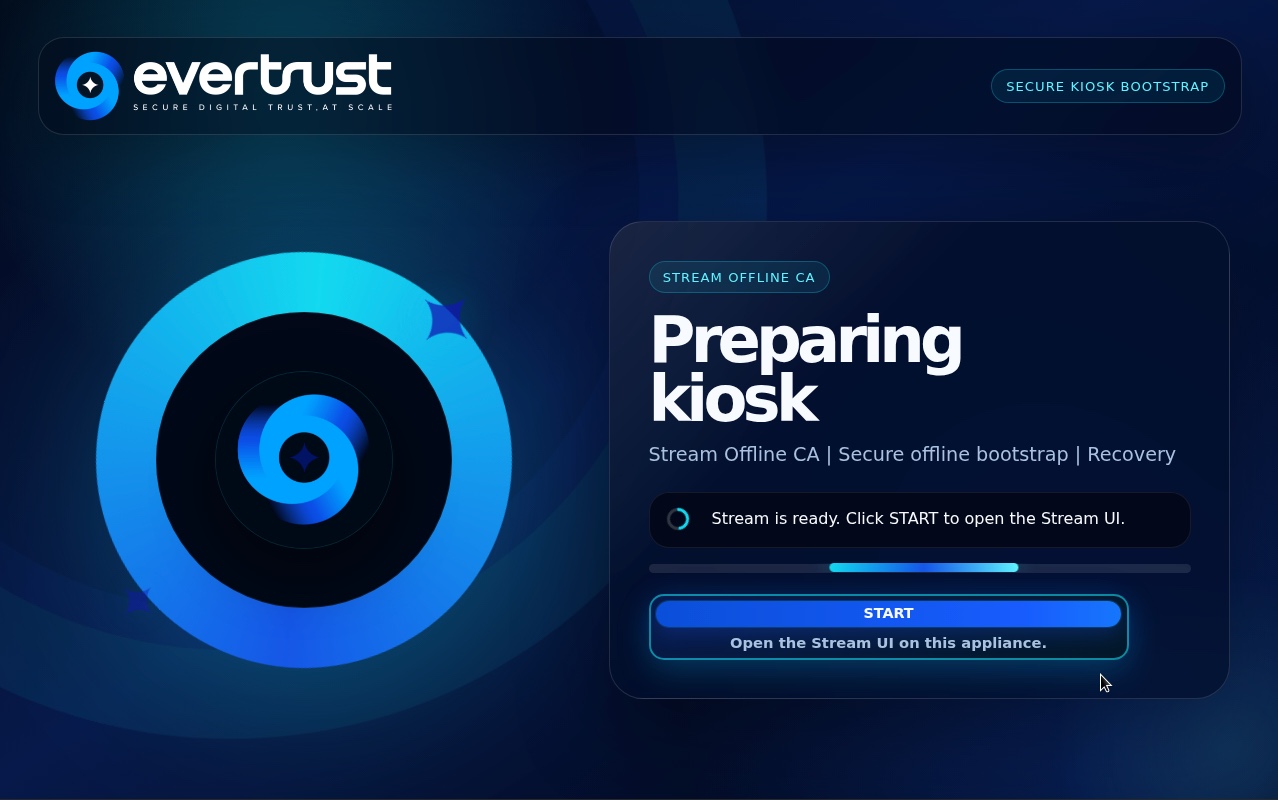
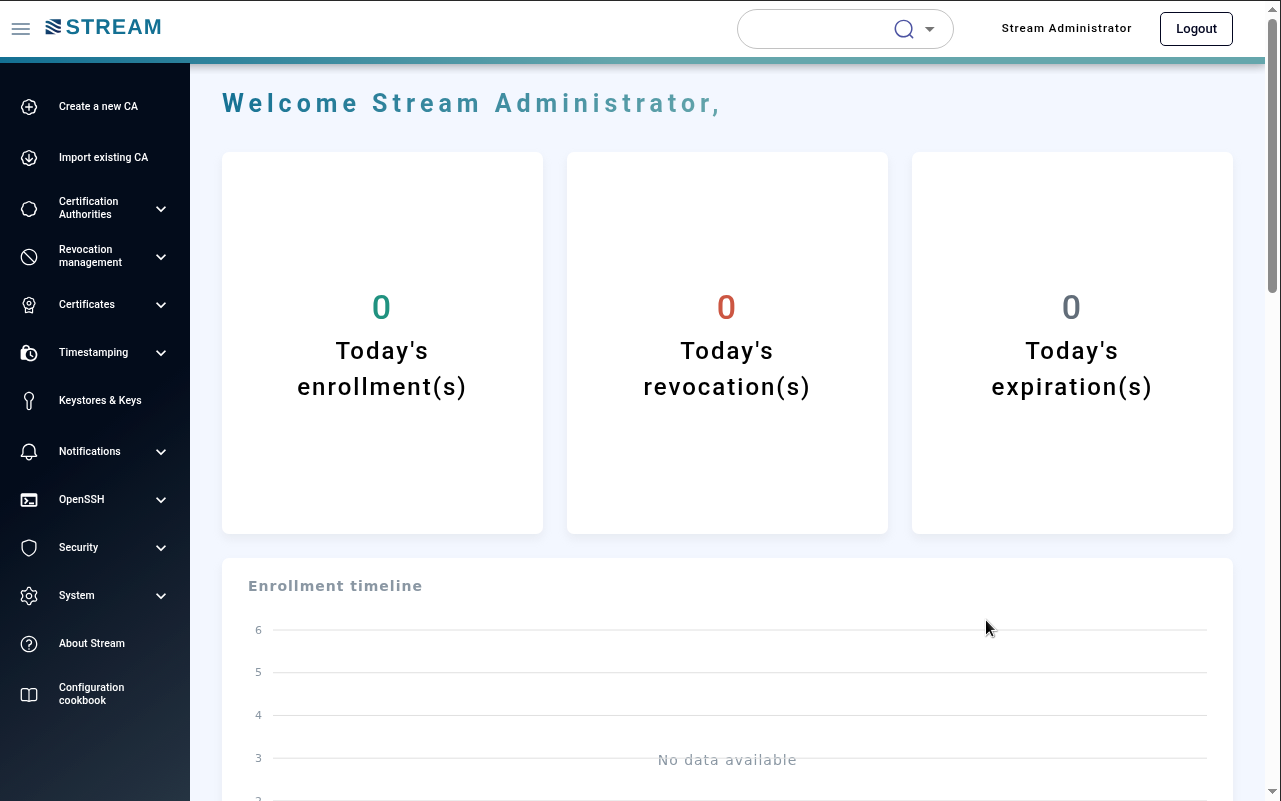
Start Stream Offline CA
Description
This section describes how to boot Stream Offline CA from the Live USB and select the initial appliance workflow.
At startup, the appliance opens the operator console on tty1, prepares the kiosk on tty2, and asks the operator to choose between Create and Restore.
Before boot
Use the Live USB image approved for the operation on a physically controlled workstation. Prepare the license, backup, export, and HSM media required by the selected workflow, together with the operation report. Keep the production network disconnected unless an approved maintenance window requires it.
|
Do not boot from an old or unverified Live USB image. Use the image approved for the operation and record its identifier in the operation report. |
Choose Create only for a new runtime and prepare the CA policy, keystore
decision, initial license, and first backup media. Choose Restore for an
existing CA and prepare the complete backup set, its recovery information, and
the matching HSM state when applicable. See Create a new Stream Offline CA and
Restore an existing Stream Offline CA appliance for the workflow details.
For maintenance, define the issue and evidence to collect before enabling network or SSH access. See Operator actions and Stream Doctor.
Boot the appliance
-
Insert the Live USB into the target workstation.
-
Power on the workstation.
-
Use the BIOS or UEFI boot selector to boot from the Live USB.
-
Wait for the Stream Offline CA startup screen.
During production boot, the appliance keeps the kernel output quiet and uses the branded Plymouth startup screen when the platform supports it.
The early boot sequence reports the live image RAM copy, RAM image verification, and Stream Offline CA startup before the tty1 operator console appears.
A short black screen can still appear during firmware, UEFI, or the first GRUB handoff before the kernel starts the Plymouth splash.
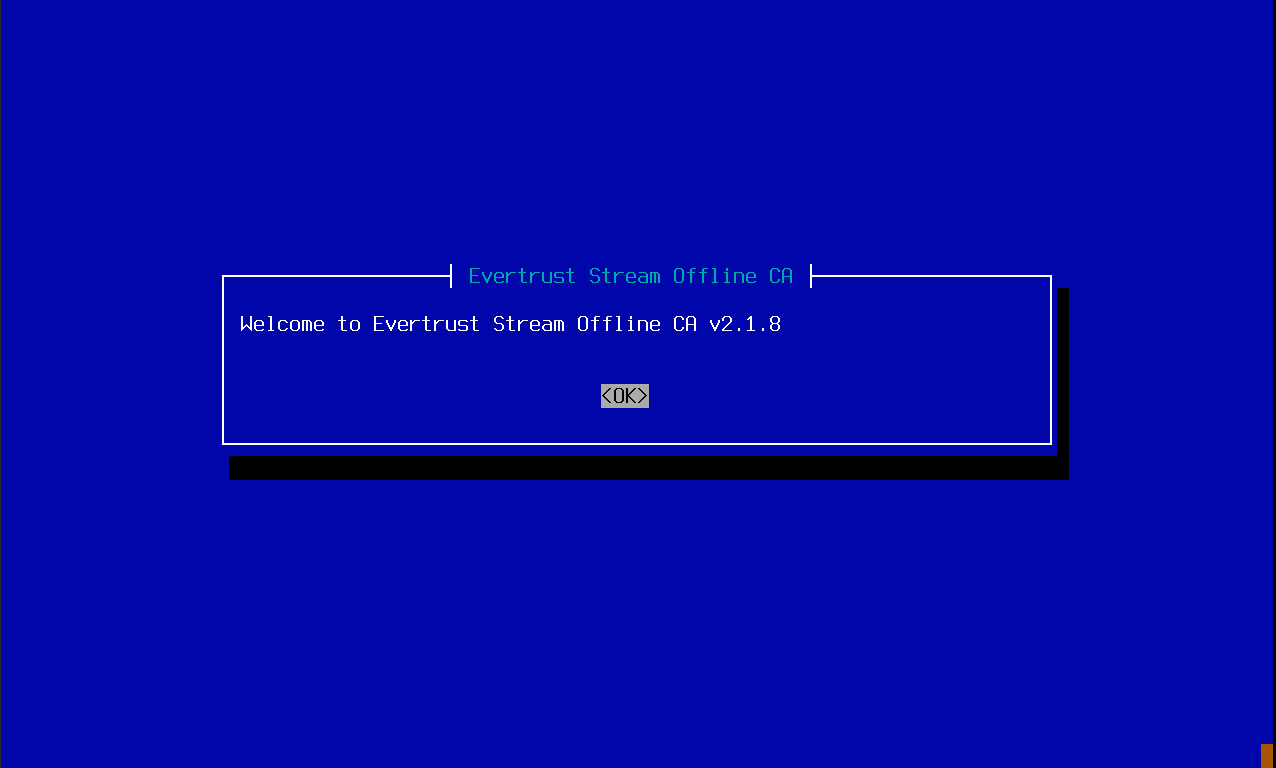
-
On
tty1, wait for the operator console. -
Confirm the date and time when prompted.
-
Select the keyboard layout.
-
Review the displayed settings.
-
At the first workflow prompt, choose
CreateorRestore.
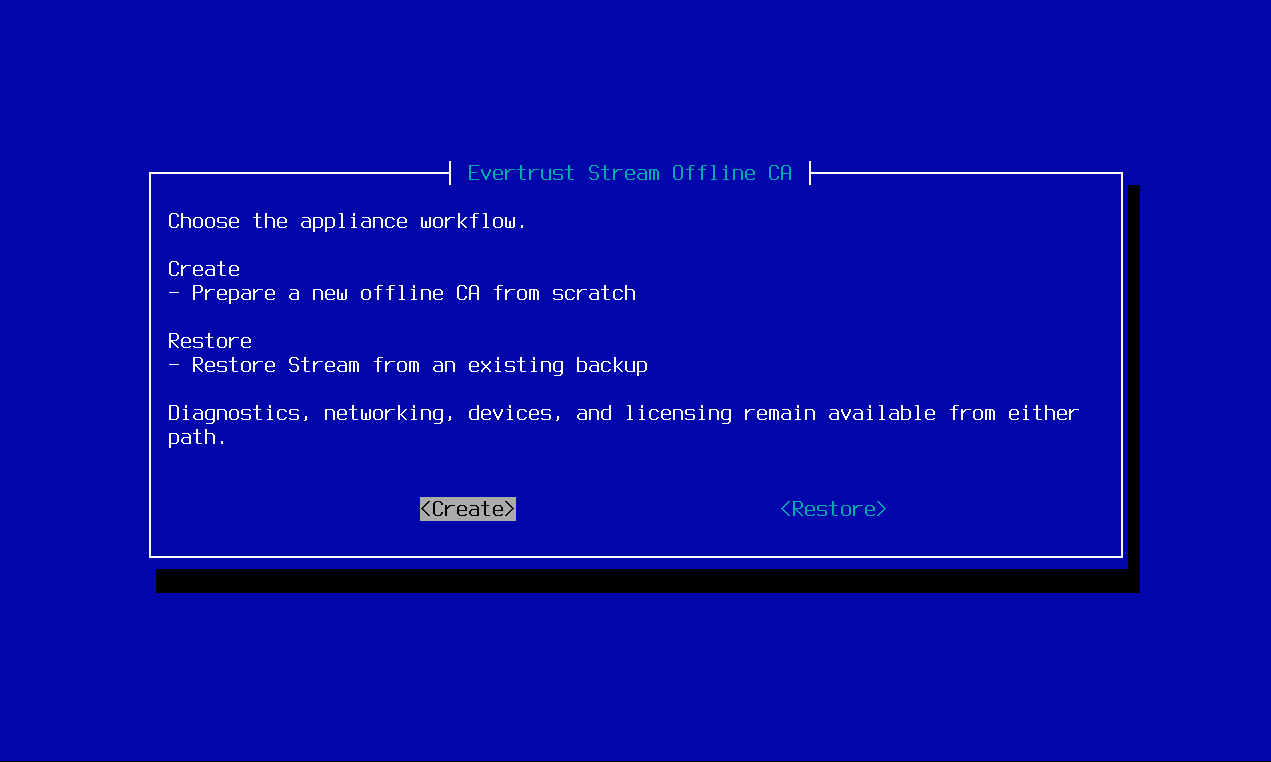
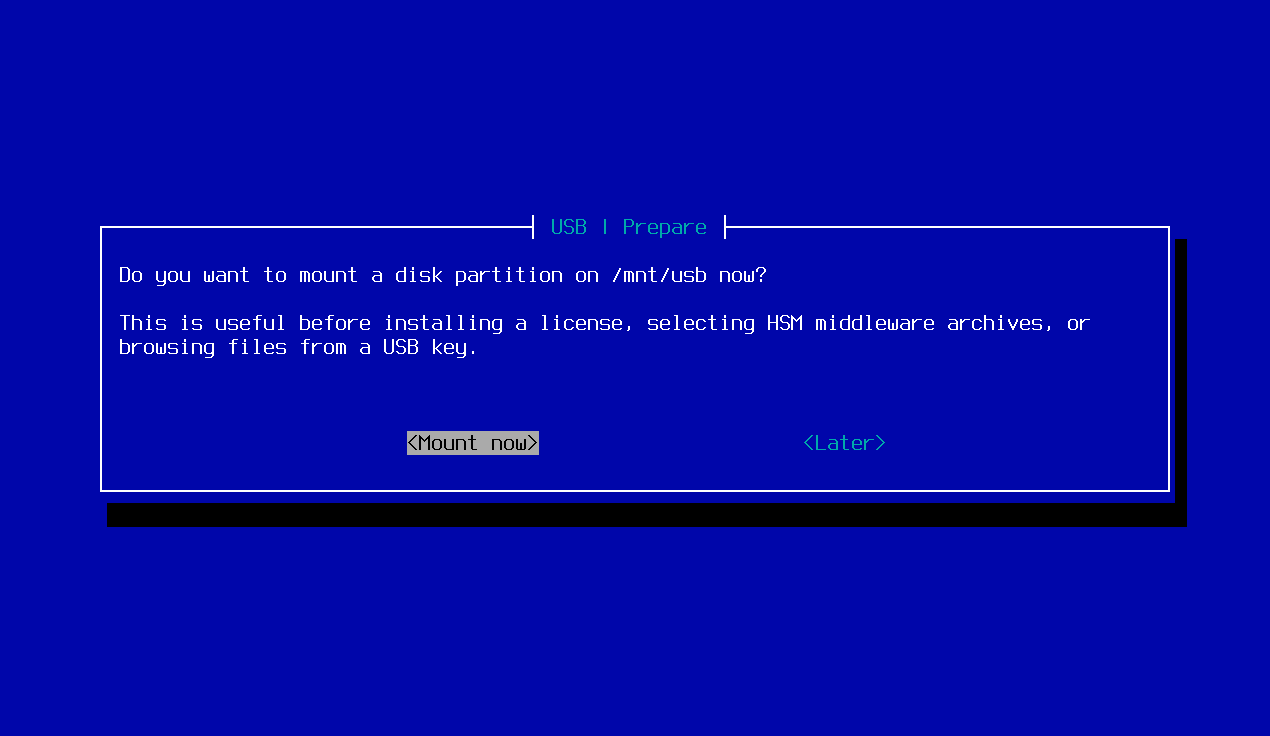
After the workflow is selected, the appliance can offer to mount USB media before the main menu. Use this when the license, middleware archive, backup set, or public material is stored on removable media.
Choose the workflow
Create-
Use this workflow to prepare a new Stream Offline CA runtime. This is the normal path for a first root CA ceremony or for a new offline CA state that is not restored from a previous backup.
Restore-
Use this workflow to recover an existing Stream Offline CA state from a backup. This is the normal path for existing root CA operations, ARL generation, subordinate CA issuance, or CA revocation.
|
Choosing |
Startup behavior
The operator console runs on tty1.
Stream starts on tty2 only after the selected workflow has completed the required preparation.
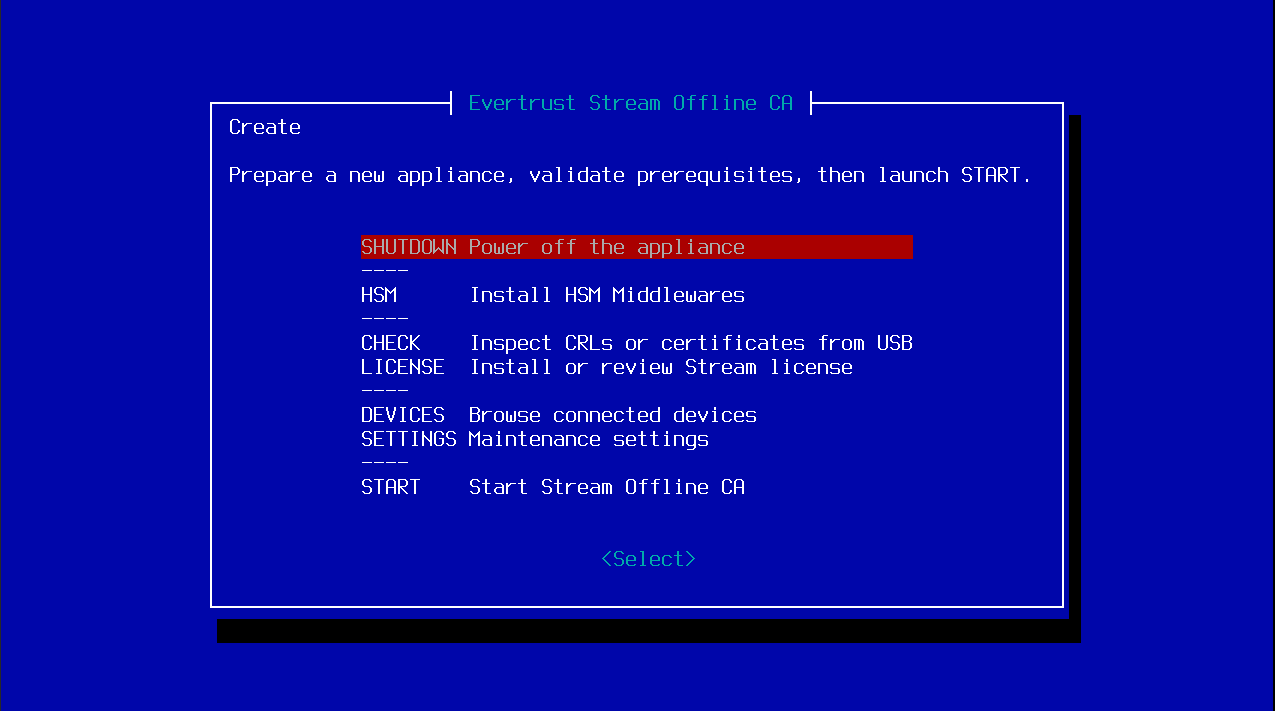
The detailed Create, Restore, and post-start menu breakdown is maintained in Operator console menus.
| Workflow | Primary action | Reference |
|---|---|---|
Create |
Install the license, install HSM middleware when required, then select |
|
Restore |
Install required middleware, prepare the backup material, then select |