New Subordinate CA
Description
Use this procedure when an existing offline root CA must sign a subordinate CA CSR. The appliance is restored first, then Stream is used to issue the certificate, export the result, inspect it, and back up the updated state.
Pre-requisites
-
Restored and validated root CA state
-
Subordinate CA CSR on approved removable media
-
Approved certificate template and extensions
-
Export media for the issued subordinate CA certificate
-
Export media for the updated ARL/CRL when required
-
Backup media.
Operation inputs and outputs
| Item | Expected value | Reference |
|---|---|---|
Signing CA |
Restored offline root CA or issuing CA, with expected:
|
|
CSR |
Approved subordinate CA CSR on removable media, with recorded filename and SHA-256 hash. |
|
Template |
Approved subordinate CA certificate:
|
|
Issued certificate |
Downloaded subordinate CA certificate exported with |
|
Revocation material |
Updated ARL/CRL when required by policy. |
Procedure
-
Restore and validate the appliance.
-
In Stream, verify that the signing root CA is present and available.
-
Open
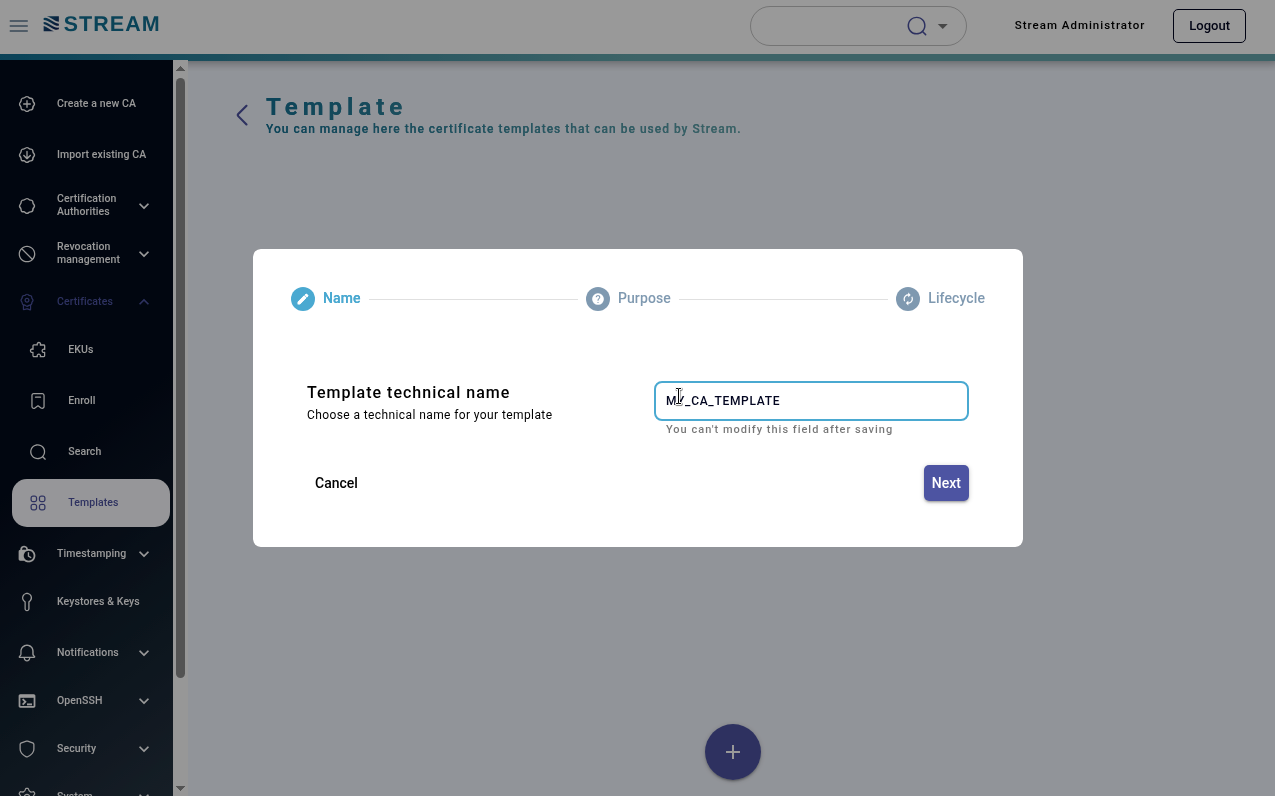
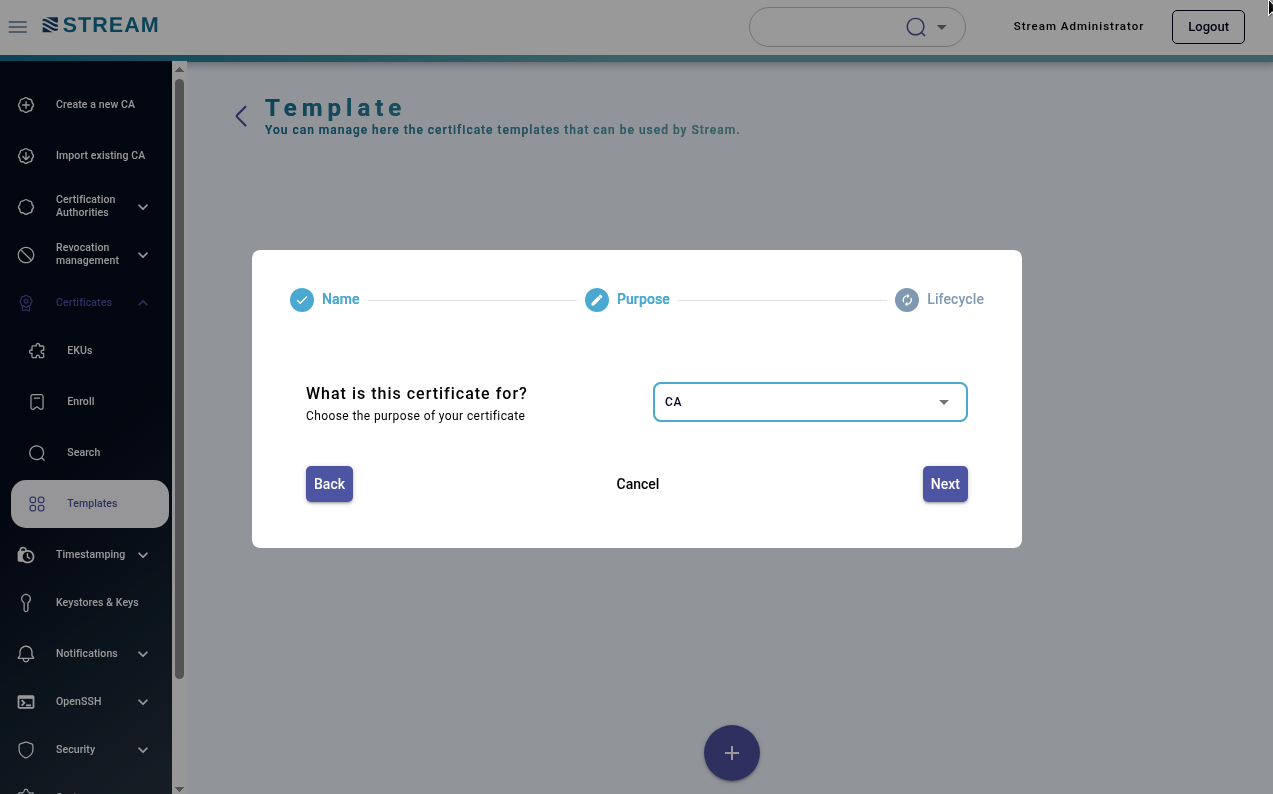
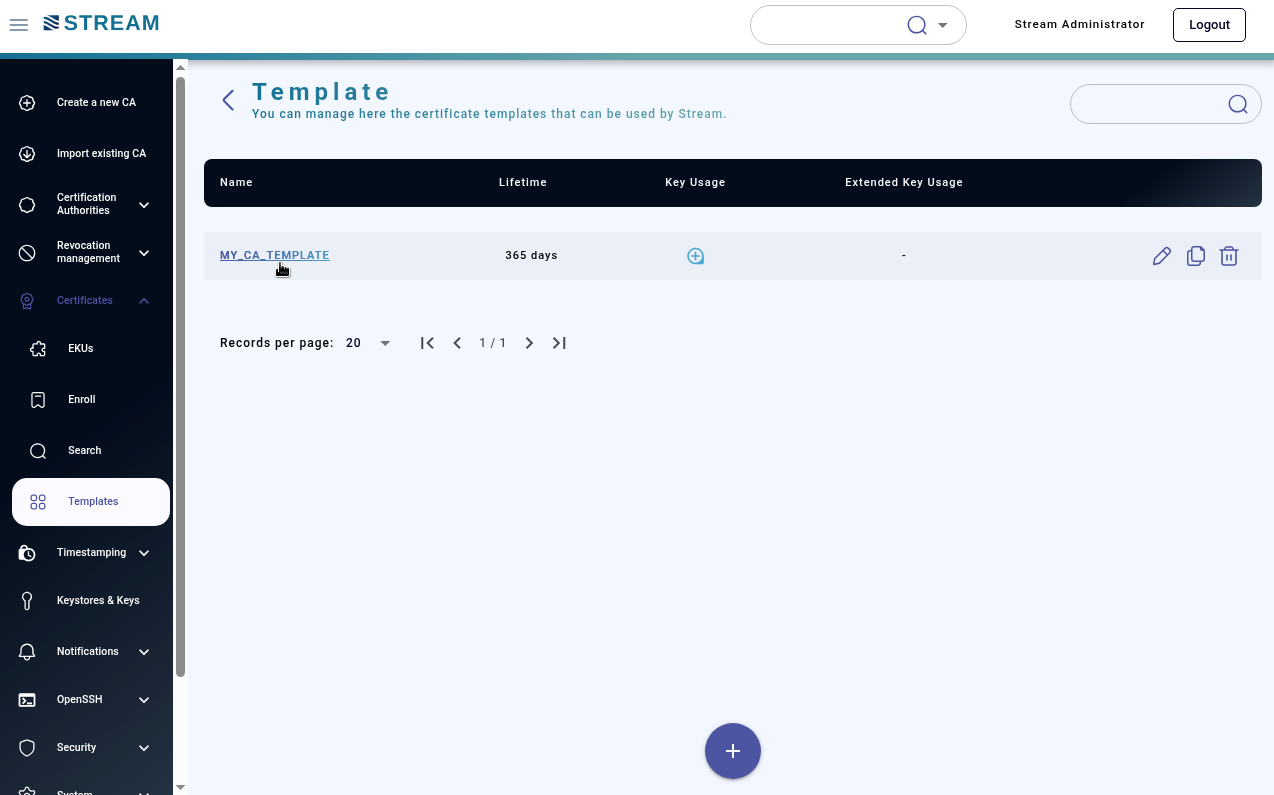
Certificates > Templatesand verify or create the approved CA template.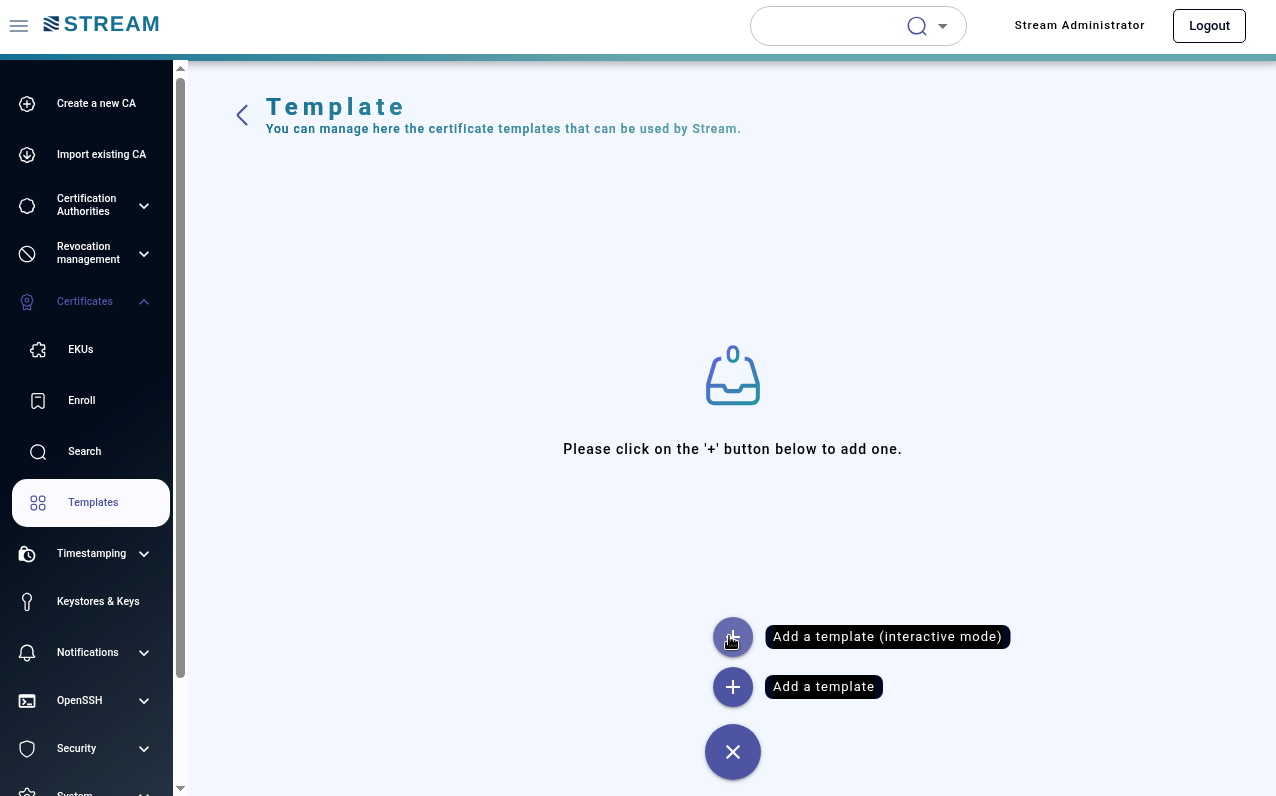
-
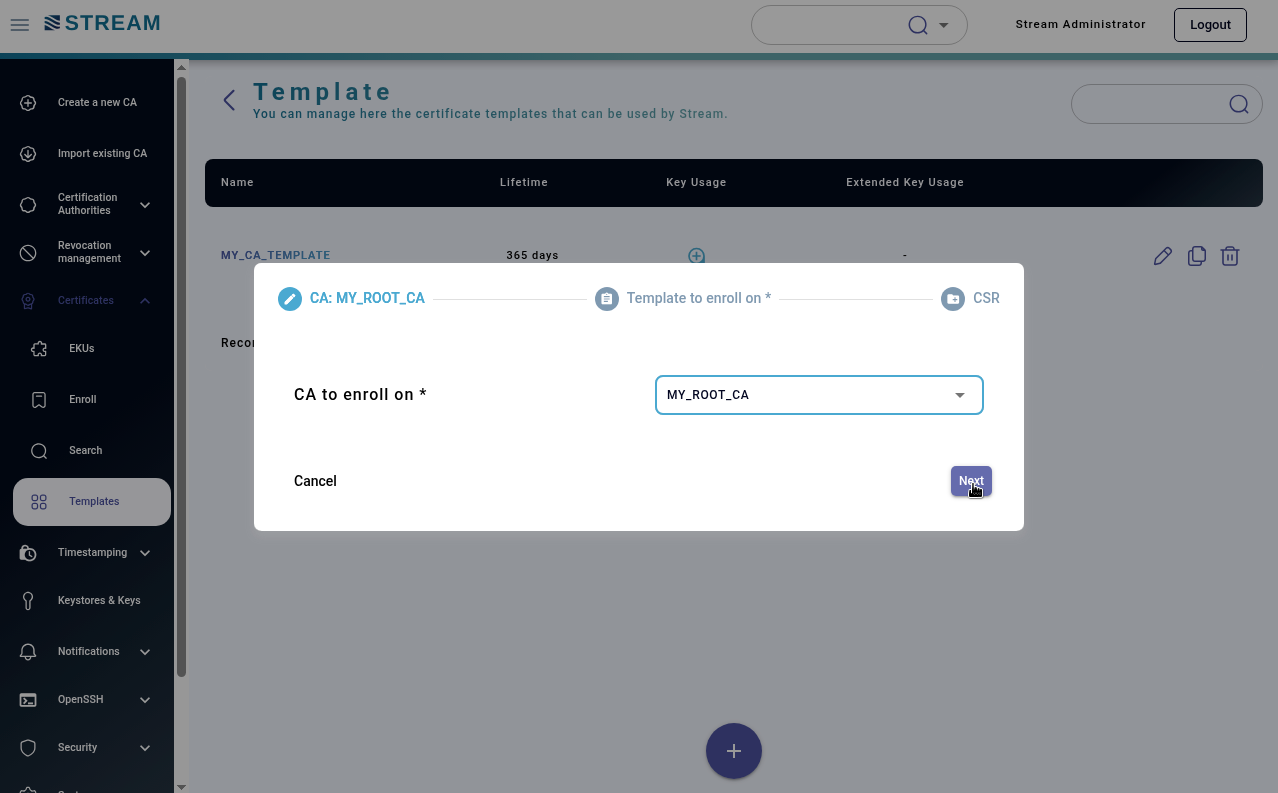
Start the enrollment from the approved template and select the restored root CA.
-
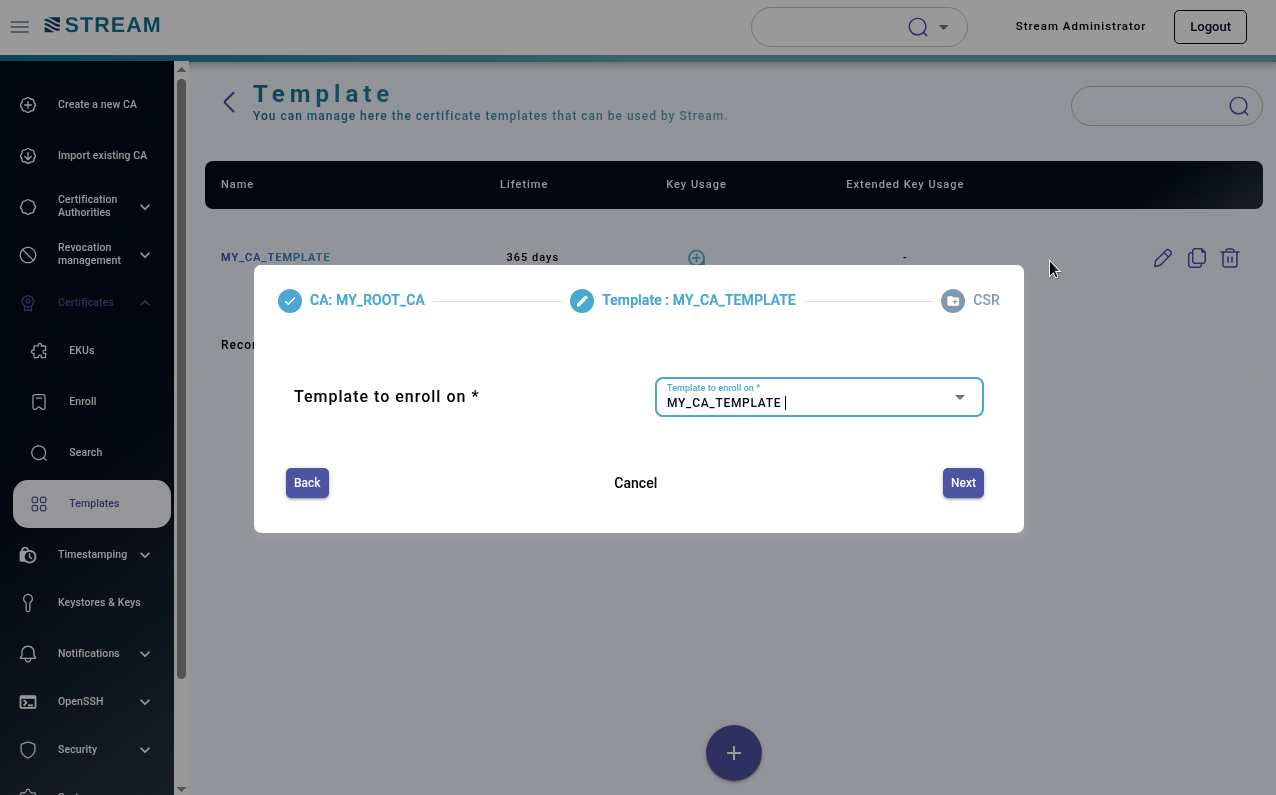
Select the approved template.
-
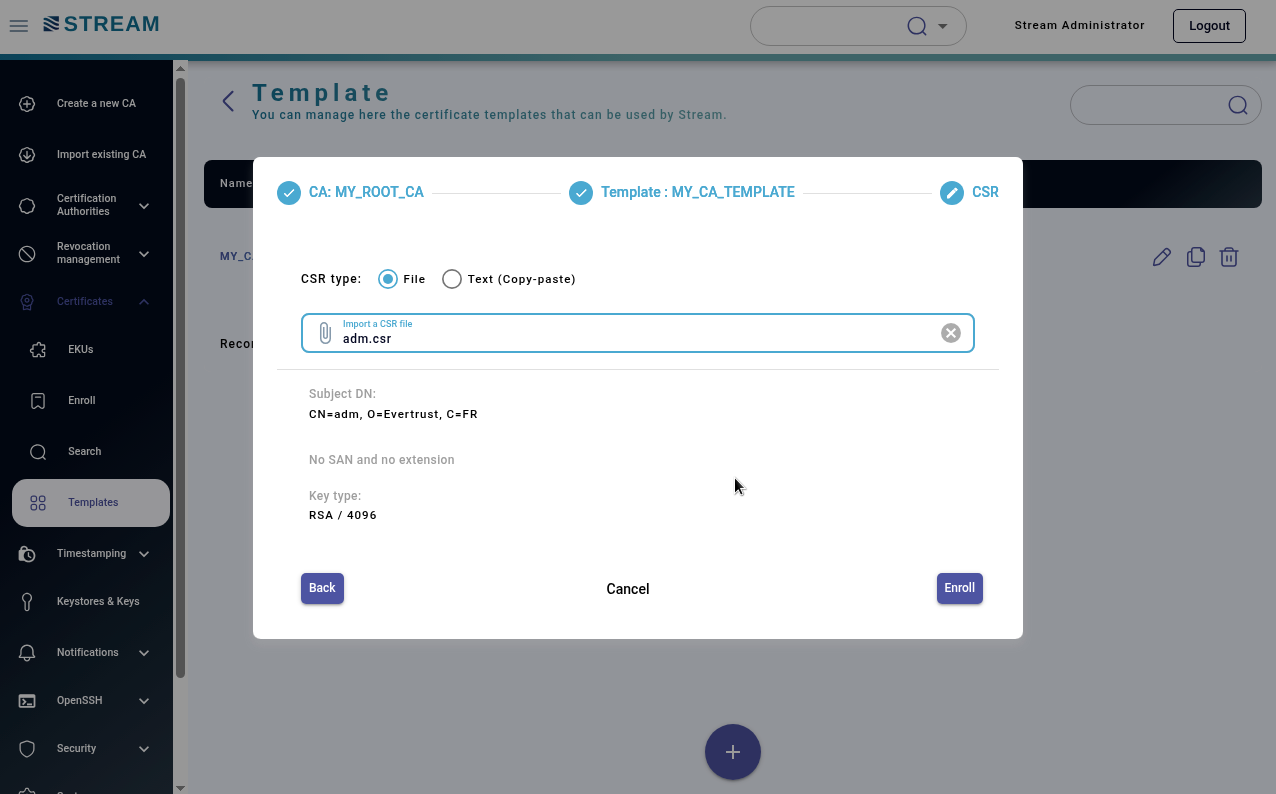
Import the subordinate CA CSR in Stream.
-
Issue the subordinate CA certificate.
-
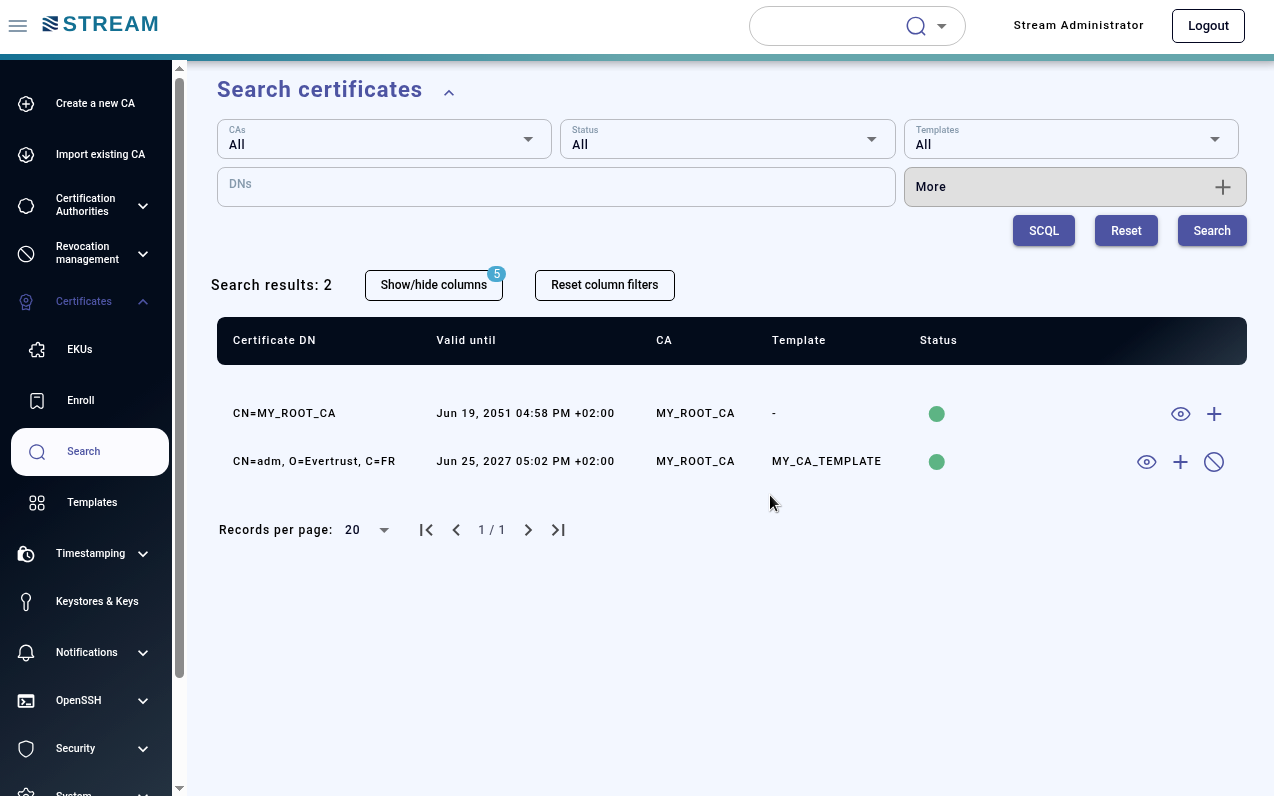
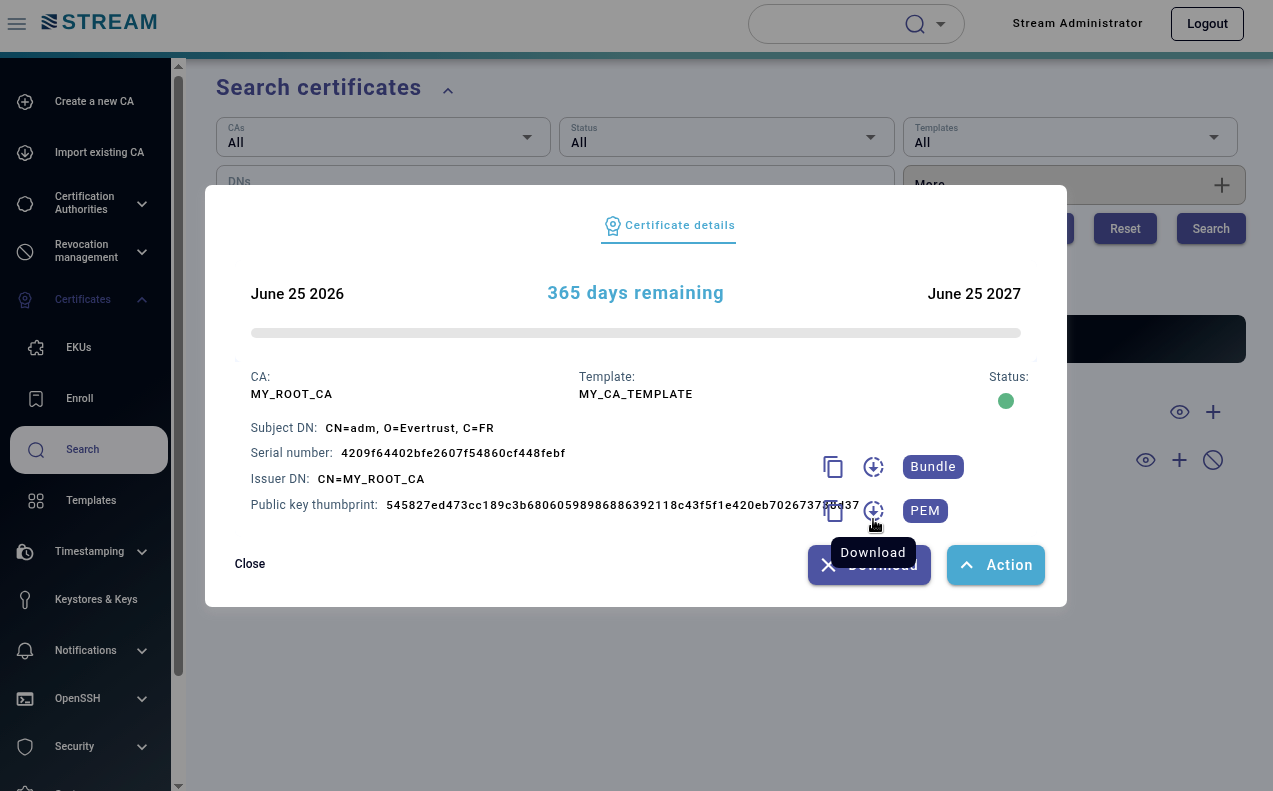
Verify that the issued subordinate CA certificate is visible in Stream.
-
Download the issued subordinate CA certificate.
-
Generate a new ARL/CRL for the signing CA when required by policy.
-
Use
EXPORT > CERTIFICATESandEXPORT > CRLSto move artifacts to removable media.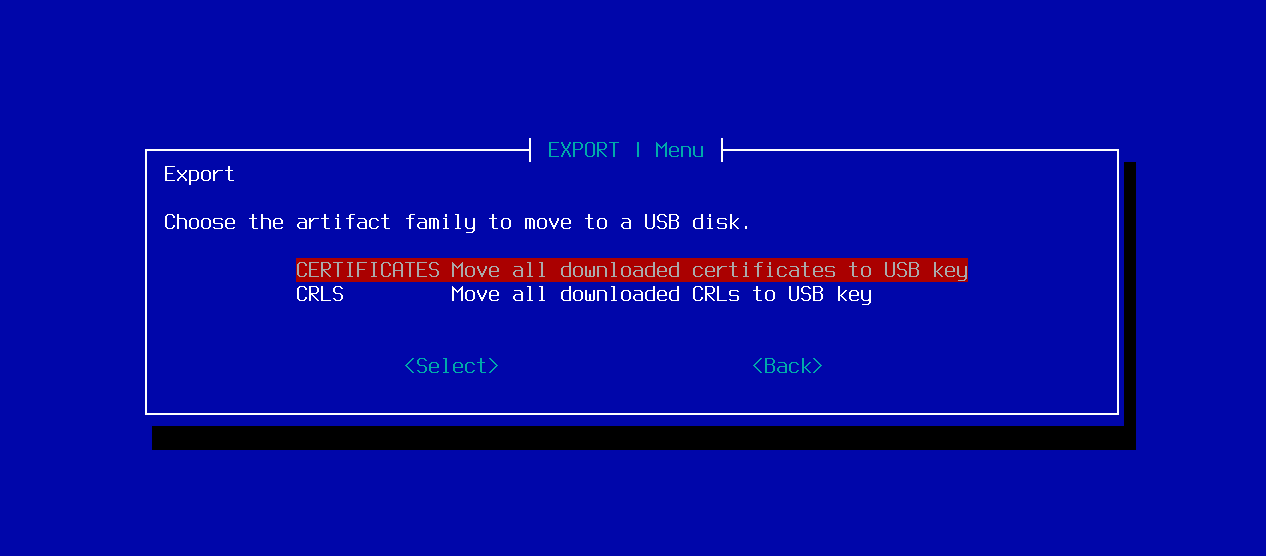
-
Use
CHECK > CRTsandCHECK > CRLsto inspect the exported material.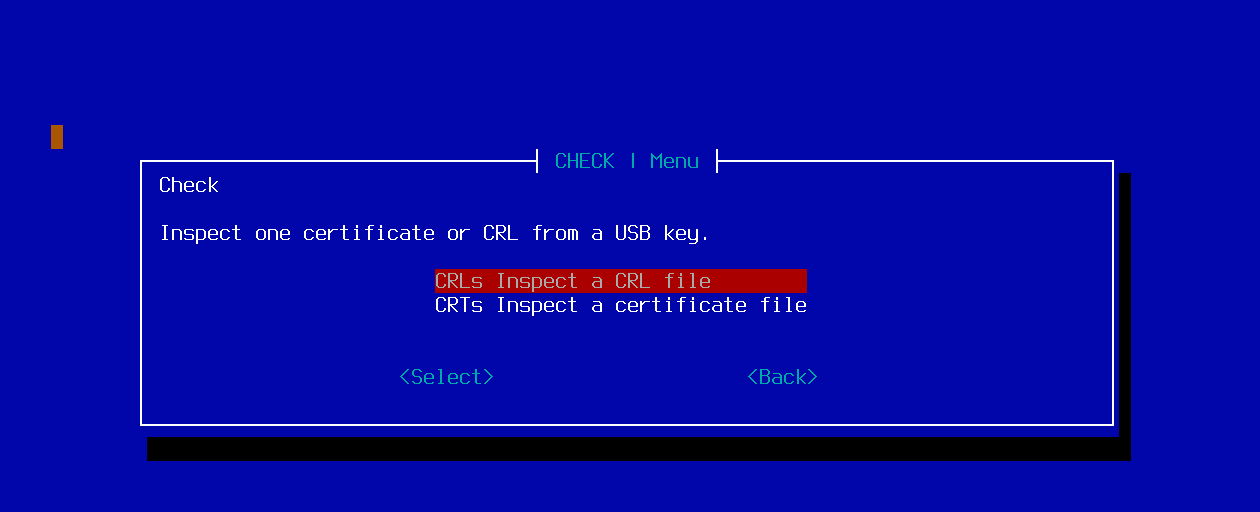
-
Record certificate subject, issuer, serial number, validity, filenames, sizes, and SHA-256 hashes.
-
Run
BACKUPbefore shutdown.
Verification
Verify that:
-
The issued certificate subject matches the approved CSR
-
The issuer is the expected offline root CA
-
The serial number and validity match the operation record
-
CHECK > CRTsdisplays the expected certificate information -
Any required ARL/CRL update has been exported and inspected
-
The post-operation backup completed successfully.