Shamir backup
Description
BACKUP > BUNDLE > SHAMIR creates an encrypted bundle and splits the generated bundle secret into shares.
Use it when the backup must be recoverable only with several custodians present.
| Shamir share values are secret material. Do not paste share values into the operation report, ticketing system, or chat. |
Protection parameters
The default values below come from the appliance backup and restore configuration.
|
The default |
| Parameter | Default | Purpose |
|---|---|---|
Share count |
|
Total number of share files generated for the backup.
The appliance accepts a value from |
Restore threshold |
|
Minimum number of shares required to reconstruct the bundle secret during restore.
The threshold must be at least |
Secret size |
|
Random secret generated by the appliance with |
Archive cipher |
|
OpenSSL encryption cipher used for the secure |
Key derivation |
PBKDF2 with |
Key derivation settings used when encrypting and decrypting the secure bundle. |
Iterations |
|
PBKDF2 iteration count used for secure bundle encryption.
The appliance rejects values below |
Metadata authentication |
|
Detached |
Restore staging |
|
Temporary local staging area used before restore material is applied to the runtime. |
Optional password per share
After choosing the share storage mode, the operator can choose whether each share file receives its own password.
-
No password: preserves the existing Shamir share format and the existing
0600file permissions. -
One different password per share: prompts for and confirms a password for share
1, share2, and so on. Empty passwords and duplicate passwords are refused.
The password protects the share file, not the reconstructed bundle secret. The
password values are never written in clear text to the metadata, HMAC sidecar,
logs, or the Recovery Kit. Record each share filename and its password in the
approved offline custody procedure. The protected files retain their .txt
names but contain an encrypted base64 envelope. For each protected share, the
metadata stores password_kdf, a random password_salt, password_cost, and
the derived password_verifier, in addition to the protection flag, non-secret
OpenSSL parameters, encrypted-file hash, and expected decrypted-content hash.
Integrity model
| Item | Control |
|---|---|
Generated bundle secret |
The appliance generates a random secret for the bundle, encrypts the internal bundle, then splits that secret into Shamir shares. The secret protects the backup bundle only and is not reused as a Stream password. |
Plaintext staging |
The appliance creates the internal plaintext bundle only as an intermediate file. After the secure bundle is generated, plaintext source payloads selected for the secure bundle are removed from the backup staging area. |
Metadata |
The metadata records:
|
Metadata HMAC |
The detached HMAC sidecar authenticates the metadata with the generated bundle secret. Restore fails for protected bundles when this authentication cannot be verified. |
Share manifest |
Each generated share is listed in metadata with:
The manifest must contain unique share filenames and unique share hashes. |
Procedure file |
The recovery kit is generated as the operator procedure file for the backup set. It records:
It does not store secret values. |
Backup workflow
-
Select the Shamir mode. Open
BACKUP > BUNDLE > SHAMIR. -
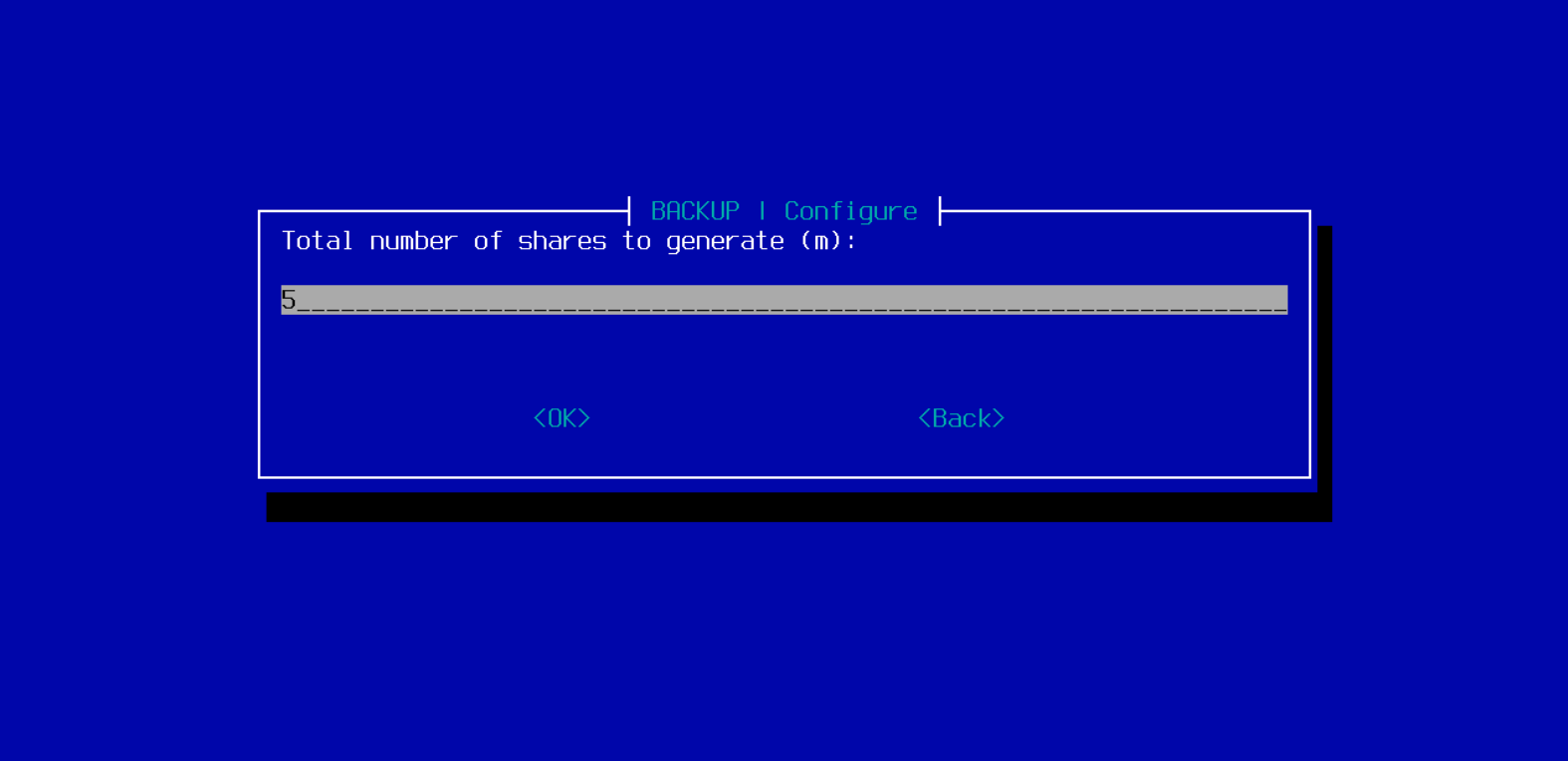
Configure shares. Confirm the total number of shares to generate. The default is
5.
-
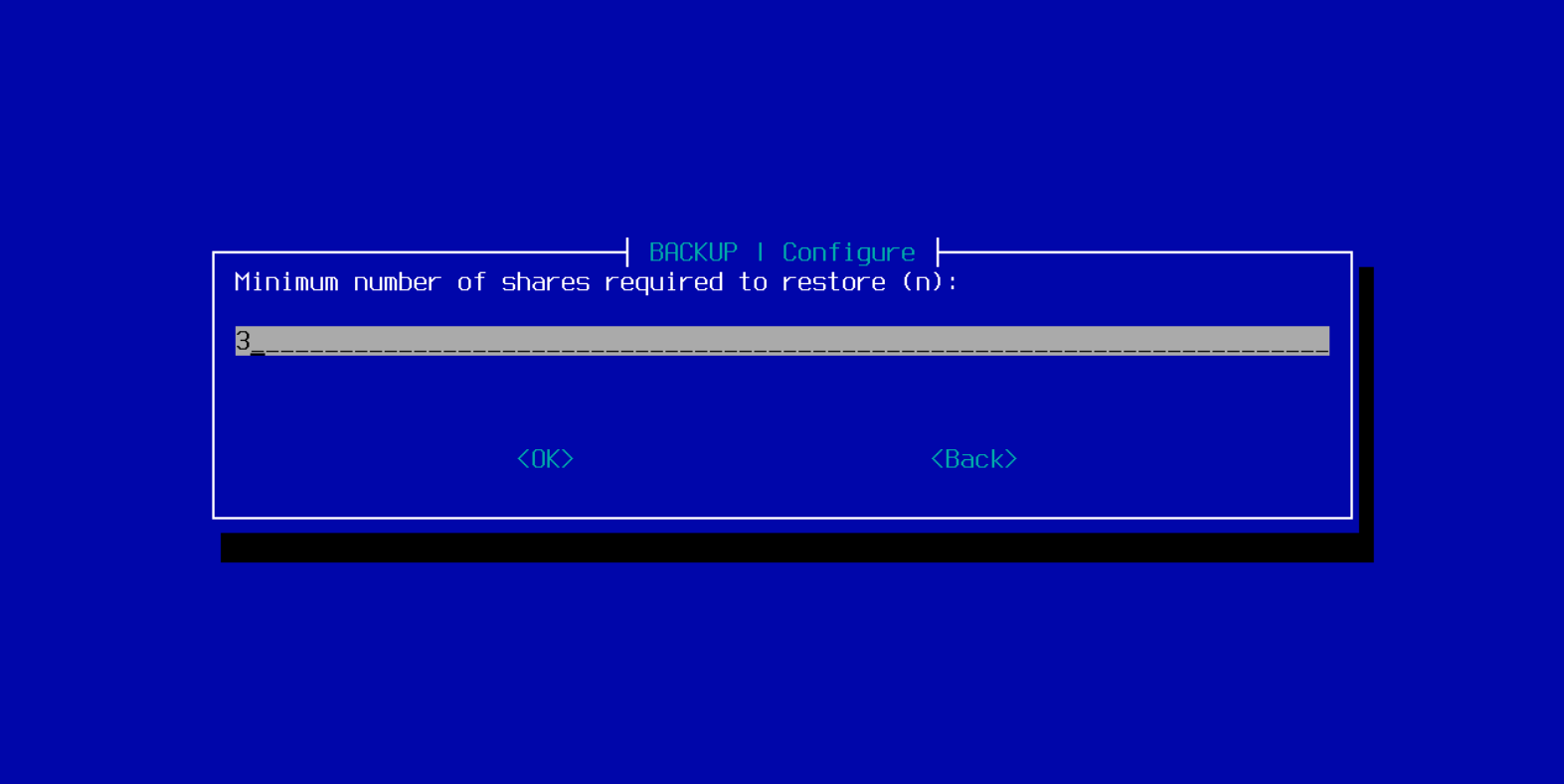
Confirm the minimum number of shares required for restore. The default is
3.
-
Choose the share storage mode. Select
USBto export each share to a different USB key, orBUNDLEto keep share files in the bundle directory for later manual custody handling.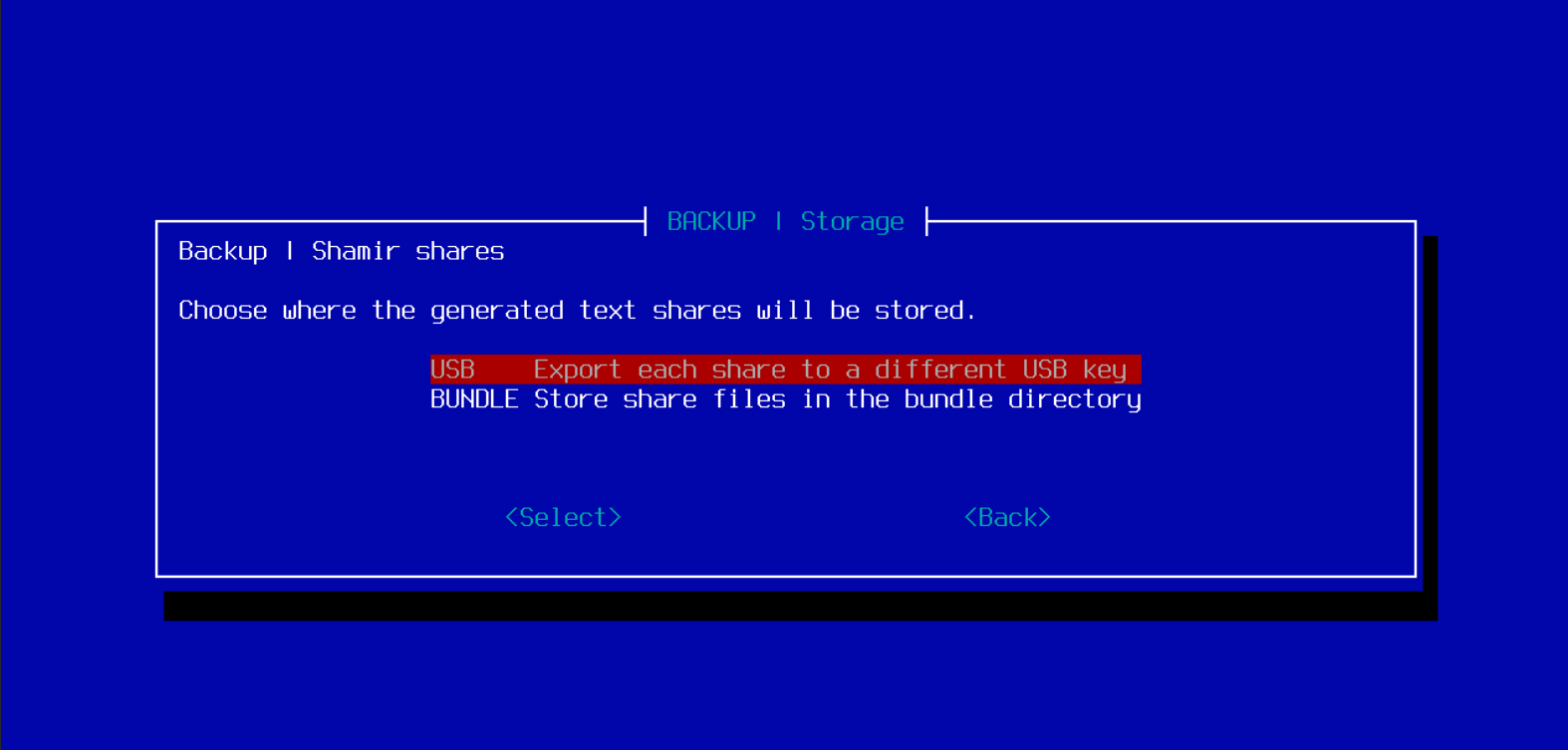
-
Choose whether to protect each share with a password. Select no password to keep the existing share format, or select the per-share password mode. In the latter mode, enter and confirm a different password for each share. The passwords are not displayed again and are not included in the Recovery Kit. Only their per-share verifier parameters are stored in metadata; a lost password cannot be recovered from the verifier.
-
Validate runtime prerequisites. The appliance verifies the Shamir configuration: share count is numeric and between
2and10, threshold is numeric and between2and the share count, secret size is at least16bytes, and PBKDF2 iterations are at least10000. -
The appliance checks that both
secret-share-splitandsecret-share-combineare available. -
Generate the backup material. The appliance creates the Stream backup payload with configuration and database material.
-
The appliance stages the current runtime license when one is present and readable.
-
The appliance stages selected backup payload files and generated recovery artifacts when available.
-
The appliance creates a plaintext internal bundle and records its SHA-256 hash.
-
The appliance generates a random bundle secret.
-
The appliance encrypts the internal bundle into a secure
.encarchive. -
The appliance splits the generated secret into share files named like
backup-bundle-<timestamp>.share-XX-of-YY.txt. -
The appliance writes bundle metadata with archive hash, plaintext hash, payload entries, Shamir share manifest, cipher, digest, PBKDF2 iteration count, share count, threshold, and the per-share password verifier parameters when enabled.
-
The appliance writes the detached metadata HMAC sidecar.
-
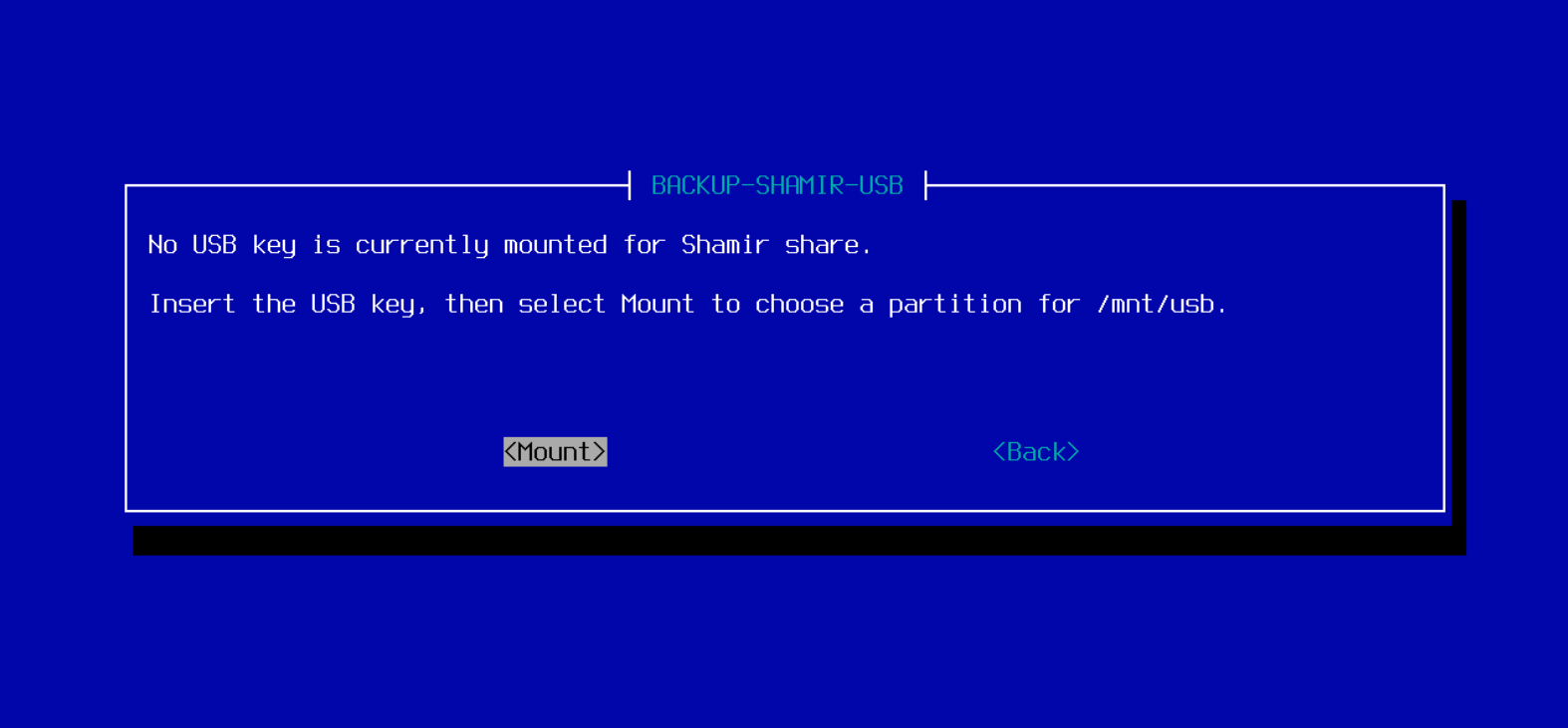
Export custody material. The appliance exports or stores the share files according to the selected storage mode. When USB share storage is selected, each share can be copied to controlled removable media as part of the custody workflow.
-
The appliance generates a recovery kit when bundle outputs are available.
-
Move the generated
.enc,.metadata.json,.metadata.json.hmac, recovery kit, and share files to approved custody. -
Record file names, media labels, SHA-256 hashes, share count, threshold, storage mode, and custodian assignment.
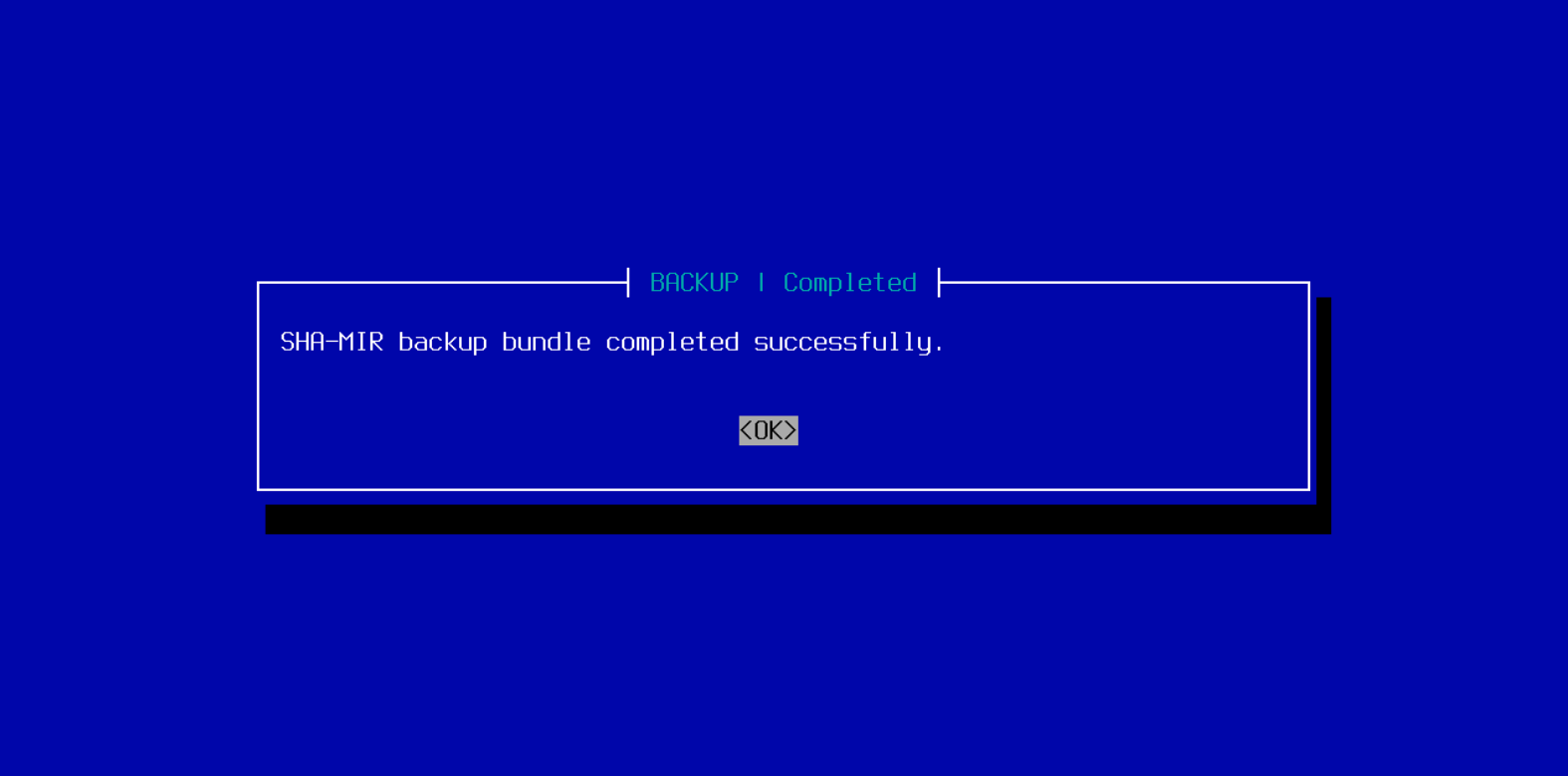
The completion confirmation is the operator checkpoint before leaving the backup flow.
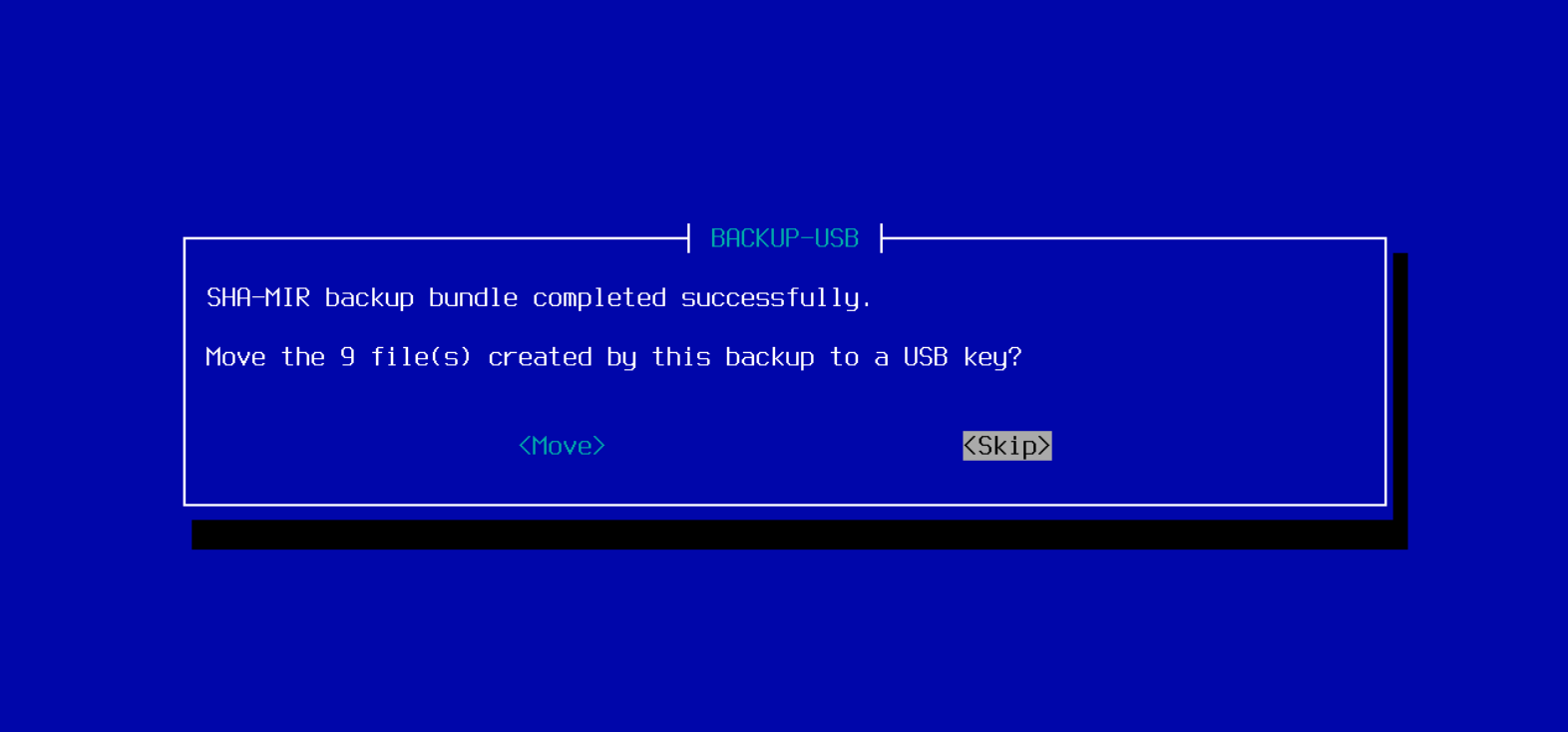
For a Shamir-protected bundle, the USB move prompt can include the encrypted archive, metadata, HMAC sidecar, recovery kit, and share files.
Generated outputs
The expected file set uses the following pattern:
backup-bundle-<timestamp>.enc
backup-bundle-<timestamp>.metadata.json
backup-bundle-<timestamp>.metadata.json.hmac
backup-bundle-<timestamp>.share-XX-of-YY.txt| Output | Description | Custody note |
|---|---|---|
|
Encrypted secure backup bundle. |
Store with the backup set. It cannot be decrypted without the threshold number of shares. |
|
Restore metadata containing:
|
Store with the encrypted bundle and verify the filename in the recovery kit. |
|
Detached HMAC over the metadata. |
Store with the metadata. Restore fails authentication if the HMAC does not match the reconstructed secret. |
|
Share generated by |
Assign each share and its associated password, when enabled, to an approved custodian. Do not paste share values or passwords into reports. |
Recovery kit |
Printable record and restore guidance generated for the backup. |
Store with the ceremony record. It must describe file roles and hashes without containing secrets. |