Backup procedure
Description
Use BACKUP after each sensitive operation to preserve the temporary Stream Offline CA runtime.
The appliance can create single Stream artifacts or self-contained restore bundles.
| Do not shut down the appliance until backup files have been moved to approved media, hashes have been recorded, and media has been unmounted. |
|
Backup media can be USB keys or USB disks. The appliance mounts the media when backup output must be copied, verifies copied file size and SHA-256 hash, syncs the filesystem, then unmounts the media before removal. Mounting and unmounting media does not change file content; manual file edits on backup media are not part of the approved workflow. |
Backup modes
| Mode | Content | Use case | Records |
|---|---|---|---|
|
Stream configuration archive. |
Configuration-only record or targeted restore. |
|
|
Stream MongoDB database backup. |
Database-only record or targeted restore. |
|
|
Currently installed Stream license after validation. |
License recovery or license record. |
|
|
Self-contained restore bundle, metadata, and recovery kit. |
Controlled environments where media protection is handled outside the bundle. |
|
|
Password-protected bundle with authenticated metadata. |
Bundle transport where an additional bundle password is required. |
|
|
|
Split custody backup where several holders must participate in restore. |
|
Backup workflow
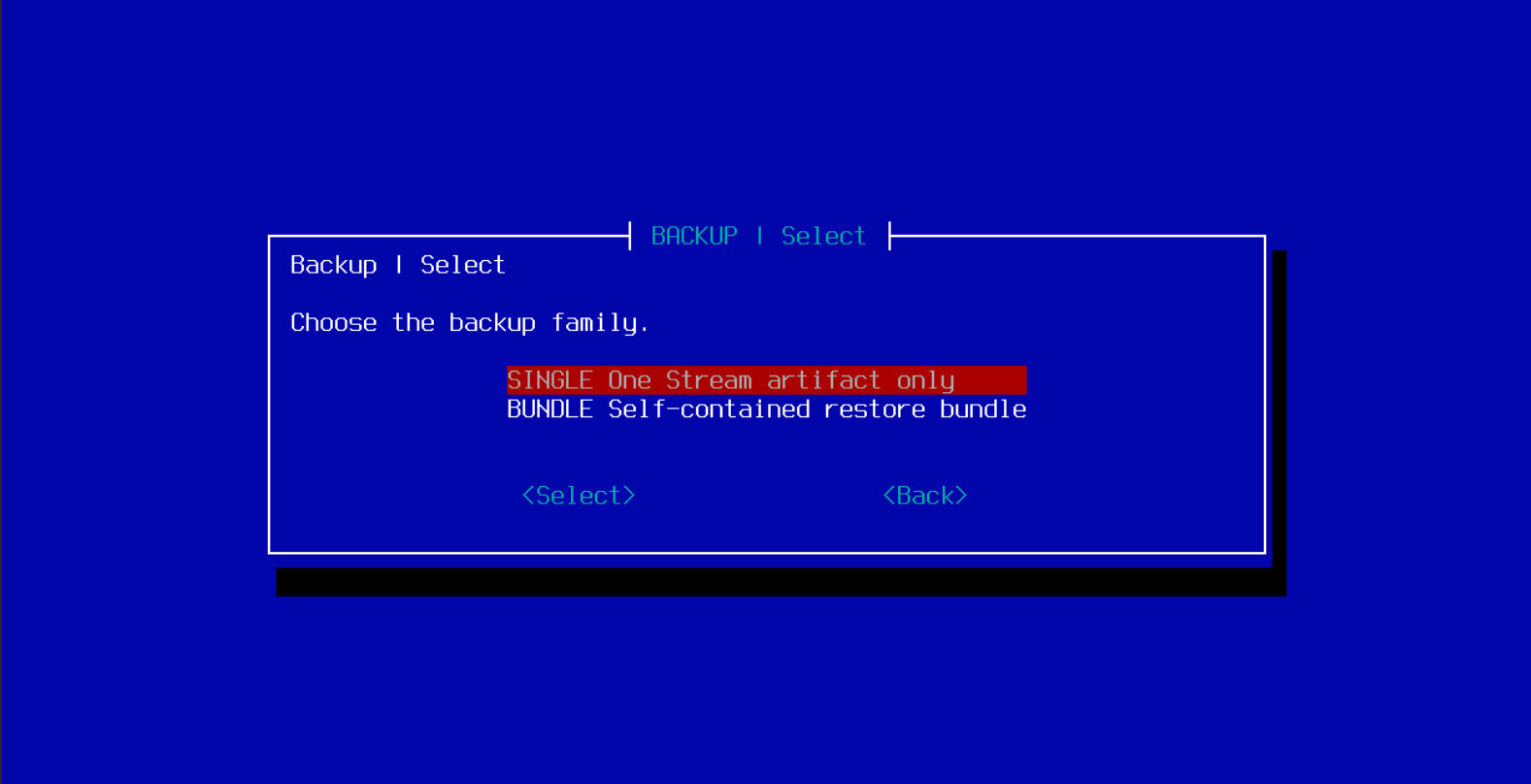
The first backup screen asks whether the operator wants to create one Stream artifact or a self-contained bundle.
-
Single backup
-
Bundle backup
-
Stream reference
-
Select the artifact type.
-
On
tty1, openBACKUP. -
Choose
SINGLE. -
Select
CONFIG,DATABASE, orLICENSE.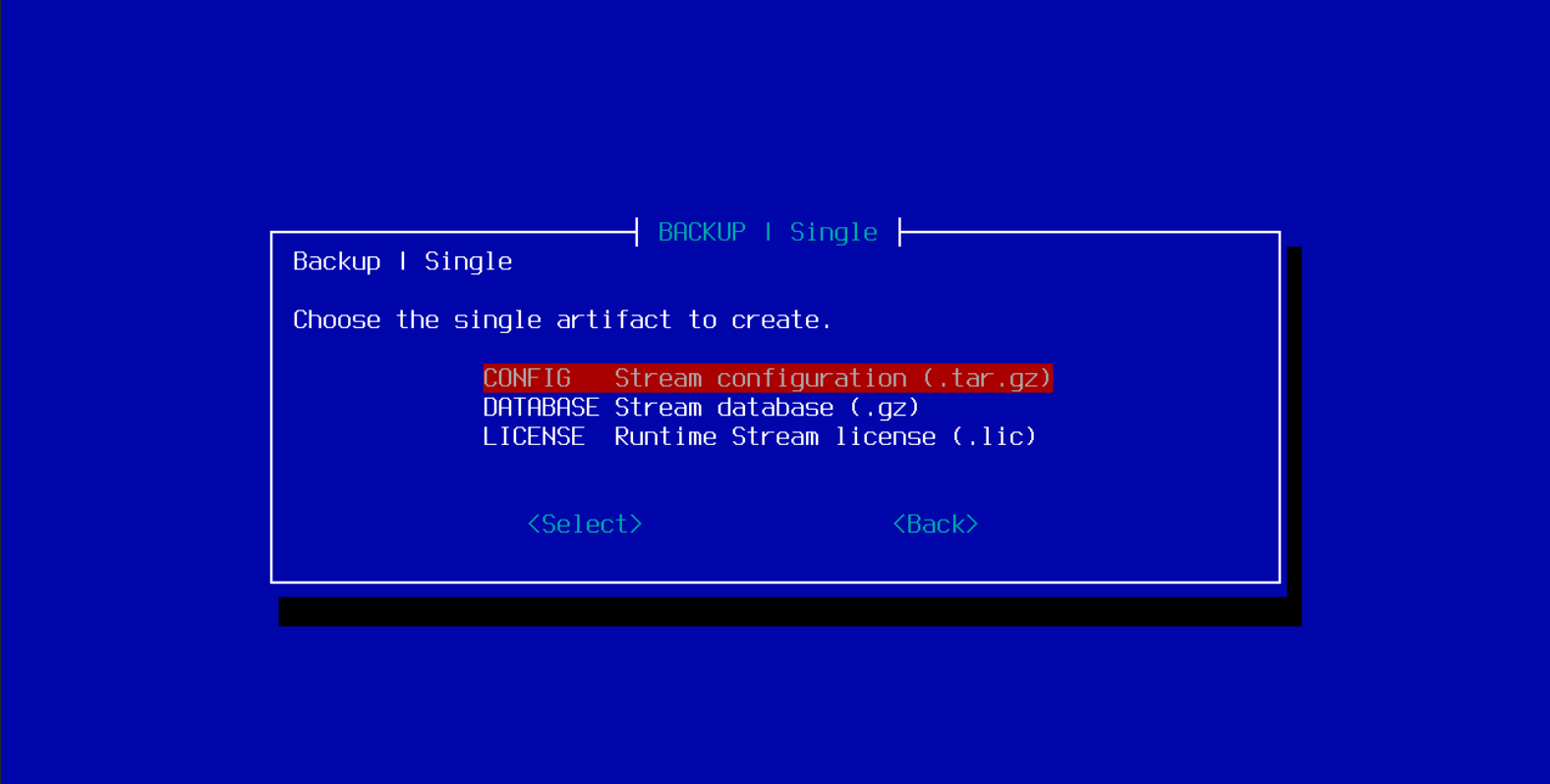
-
Move and verify outputs.
-
When prompted, move generated files to approved removable media.
-
Verify that the workflow reports successful copy, sync, and unmount.
-
Record the backup type, filenames, media labels, sizes, and SHA-256 hashes.
-
Select the bundle protection mode.
-
On
tty1, openBACKUP. -
Choose
BUNDLE. -
Select
PLAIN,PASSWORD, orSHAMIR.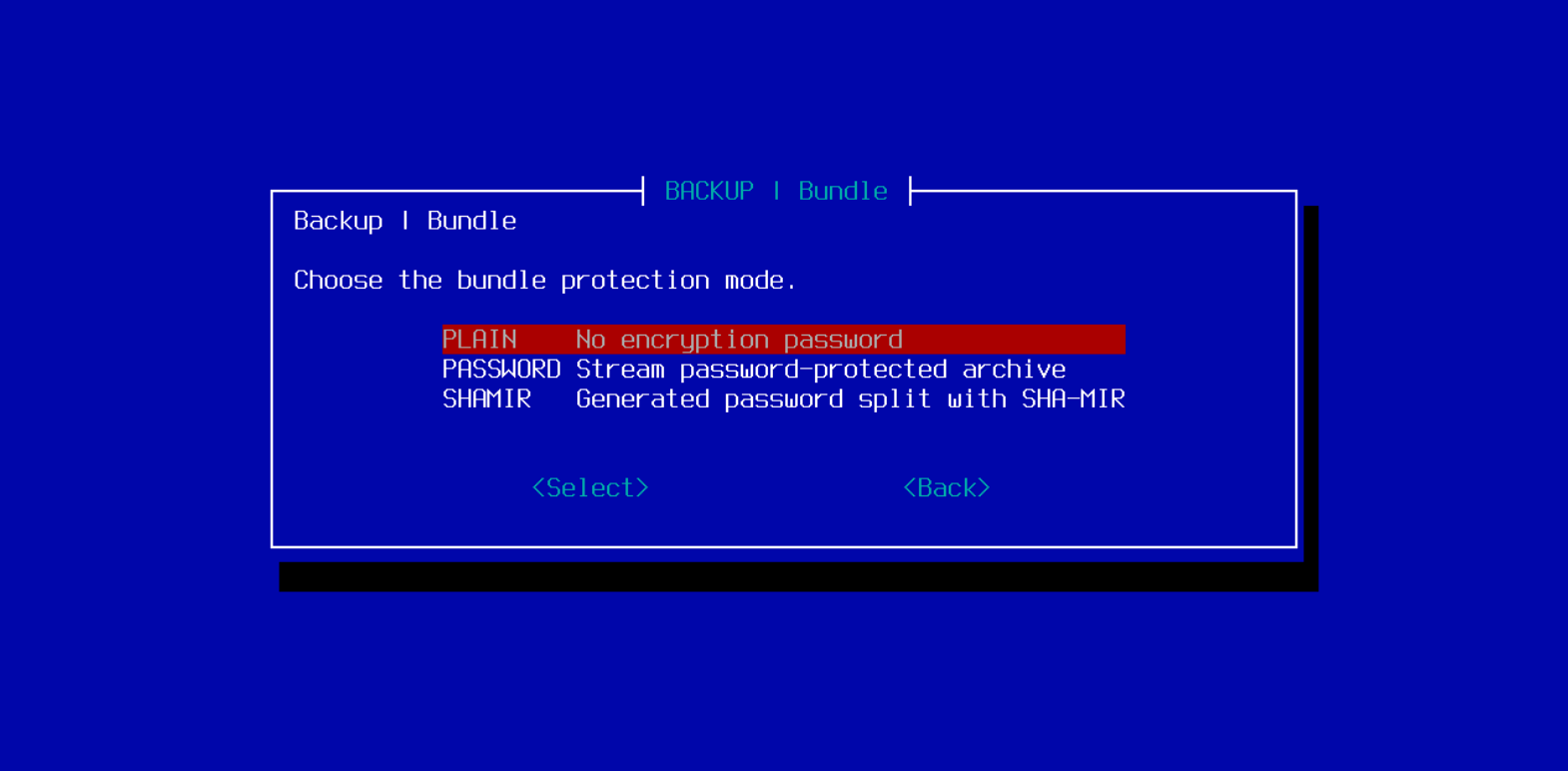
-
For Shamir bundles, enter the approved share count and threshold, choose where shares are stored, then choose whether each share must have a different password.
-
When per-share passwords are enabled, enter and confirm one different password for each generated share. Record the filename/password association through the approved offline custody process; the appliance stores only the KDF parameters and verifier in metadata, never the passwords themselves, and excludes both passwords and verifiers from the Recovery Kit.
-
Move and verify outputs.
-
Export bundle files, metadata, HMAC sidecar, recovery kit, and shares when applicable.
-
Verify copy, sync, and unmount results.
-
Record filenames, media labels, sizes, SHA-256 hashes, share count, threshold, and recovery kit filename.
For Shamir bundles, the share-storage prompt presents the USB export option before the bundle-directory option. Use USB export when separate custody requires one share per removable media item.
The appliance wraps the Stream backup and restore tools.
Use Stream backup and restore to understand the underlying stream-backup and stream-restore commands.
Use MongoDB backup and restore tools for MongoDB-level behavior when database backups need to be inspected outside the appliance workflow.
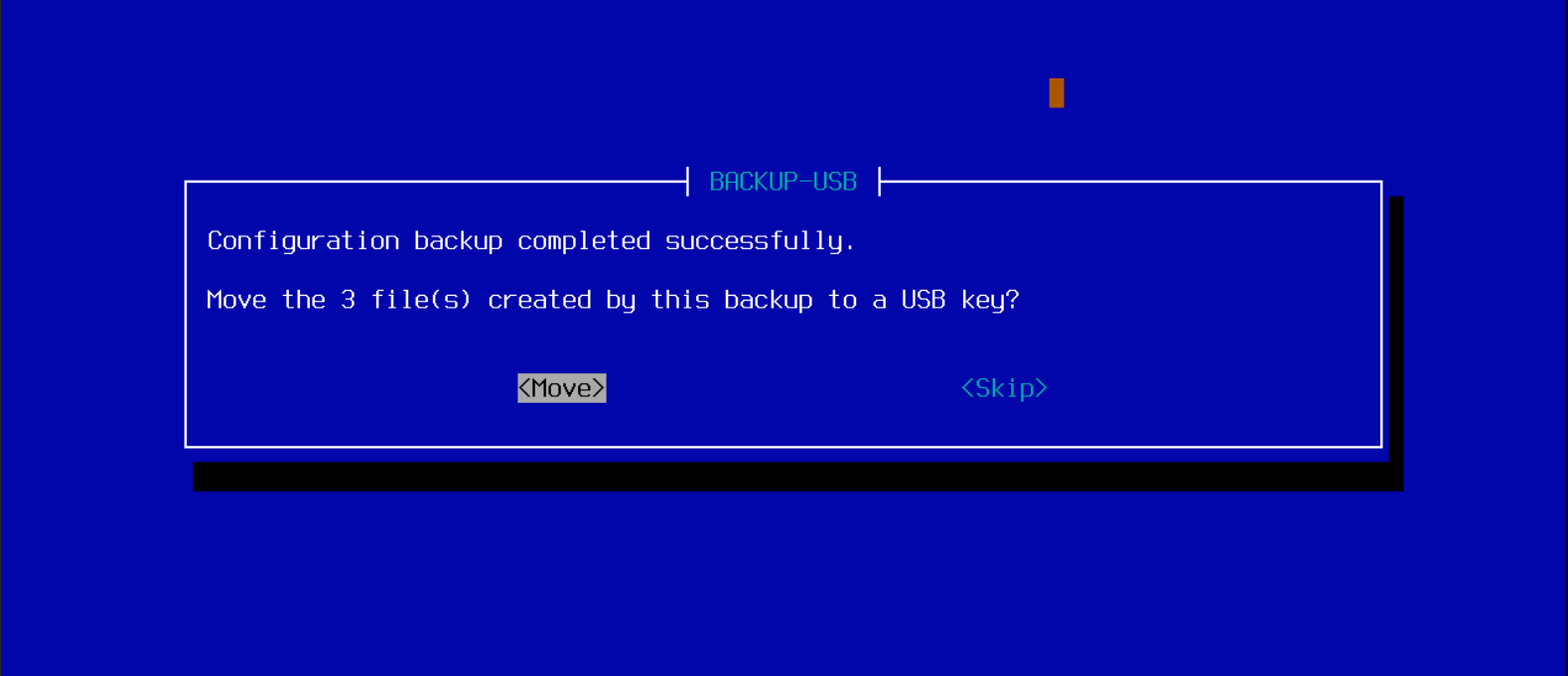
When the backup output is ready, the appliance asks whether the generated files must be moved to removable media immediately.
Choosing Move starts the controlled USB mount, copy, verification, sync, and unmount sequence.
Backup security checklist
Before accepting a backup as valid, verify the following points.
| Check | Expected result |
|---|---|
Generated files |
The expected files are present:
|
Procedure file |
The recovery kit exists and contains:
It must not contain passwords, PINs, private keys, tokens, or Shamir share values. |
License record |
When a license is backed up or staged in a bundle, the license was found in the runtime path and validated with |
Metadata record |
Bundle metadata names the selected archive and records archive and payload hashes.
Protected bundles include the |
Media record |
Each copied output has a recorded:
|
Custody record |
Each removable media item is assigned to the approved custodian or storage location before shutdown. |
File naming reference
| Artifact | Typical pattern | Purpose |
|---|---|---|
Configuration backup |
stream-configuration-*.tar.gz |
Stream configuration restore input. |
Database backup |
stream-db-*.gz |
MongoDB database restore input. |
License backup |
stream-license-*.lic |
Stream license restore input. |
Plain or password bundle archive |
backup-bundle-*.tar.gz |
Self-contained bundle archive used with matching metadata. |
Shamir bundle archive |
backup-bundle-*.enc |
Encrypted bundle archive that requires threshold share reconstruction before restore. |
Bundle metadata |
backup-bundle-*.metadata.json |
|
Metadata HMAC sidecar |
backup-bundle-*.metadata.json.hmac |
Metadata authentication sidecar for protected bundles. |
Shamir share file |
backup-bundle-*.share-*.txt |
One generated share of the bundle secret. Only the approved threshold is required to restore. |
Recovery kit |
stream-*-recovery-kit-*.txt |
Printable restore aid with file roles and hashes. |
Recovery kit filenames are specialized by workflow. Examples include stream-config-recovery-kit-*.txt, stream-bundle-shamir-recovery-kit-*.txt, and yubihsm-backup-recovery-kit-*.txt. The appliance no longer generates Markdown recovery kit files; keep the generated text file with the matching backup material.
Backup content
Depending on the selected mode, backup material can include:
-
Stream configuration
-
Stream database
-
Stream license
-
Encrypted Stream archive
-
Bundle metadata
-
Metadata HMAC sidecar
-
Shamir shares
-
Recovery kit
-
Appliance runtime state required to resume operations after restore.
|
The recovery kit contains restore information such as file roles, hashes, image versions, HSM notes, and restore instructions. It must not contain passwords, PINs, private keys, or Shamir share values. |